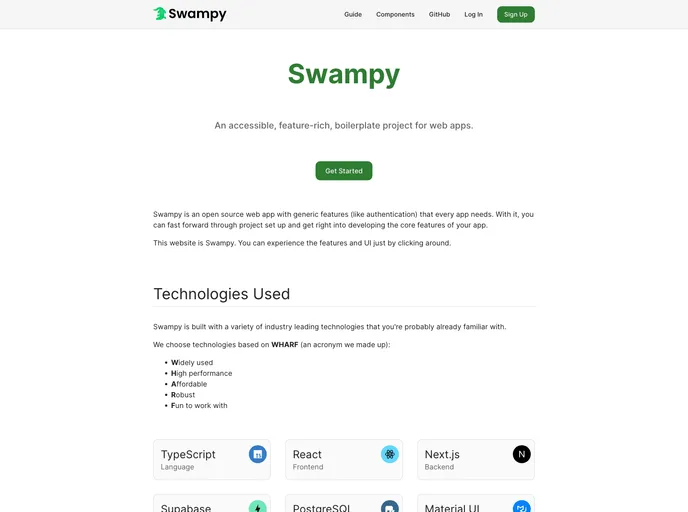
Swampy is an open-source web app boilerplate that provides generic features such as authentication that are necessary for every application. It aims to simplify the setup process so that developers can quickly start building the core features of their app. Swampy has an intuitive project structure that allows for easy customization while maintaining organization.
To install Swampy, follow these steps:
Clone the Swampy repository to your local machine:
git clone https://github.com/swampy/swampy.git
Navigate to the cloned directory:
cd swampy
Install the required NPM packages:
npm install
Configure the environment variables and code formatting rules in the top-level swampy directory.
Move any public files, such as images, to the swampy/public directory.
Customize the database scripts in the swampy/scripts directory if needed.
Manage the Prisma ORM files in the swampy/prisma directory to handle database schema and migrations.
Start developing your application by adding code to the swampy/src directory.
For more detailed documentation, refer to the official Swampy website.
Swampy is an open-source web app boilerplate that aims to simplify the setup process for developers. It provides generic features like authentication and an intuitive project structure that allows for easy customization while maintaining organization. With Swampy, developers can quickly start developing the core features of their application without spending time on repetitive setup tasks.

