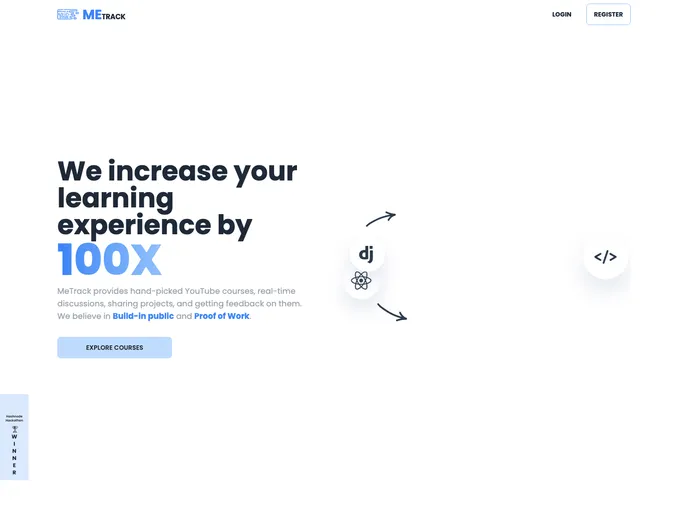
Me-Track is a collaborative website designed for developers to learn and track their progress. It aims to provide a platform for developers to share their projects, get real-time feedback, and engage in discussions with peers. The website offers hand-picked YouTube tutorials, a discussion panel for asking doubts, the ability to see projects others have built, and a chance to showcase one’s profile to potential clients and recruiters. The goal of Me-Track is to solve the problem of unorganized and scattered learning resources on YouTube by providing a curated learning experience.
To get started with Me-Track, follow these steps:
Clone and install the backend repository from the provided GitHub link.
git clone [backend-repo-link]
cd [backend-directory]
npm install
Clone and install the frontend repository.
git clone [frontend-repo-link]
cd [frontend-directory]
npm install
Create a .env.local file in the frontend directory and add the required environment variables.
Run a development server.
npm run dev
Me-Track is a collaborative website designed to address the issue of unorganized learning resources on YouTube for developers. It offers hand-picked tutorials, a discussion panel, and the ability to view projects built by others. The website aims to provide a curated learning experience and encourage community engagement. Me-Track is an open source project, and contributions are welcome. The project is deployed on Linode for the Hashnode X Linode Hackathon.

