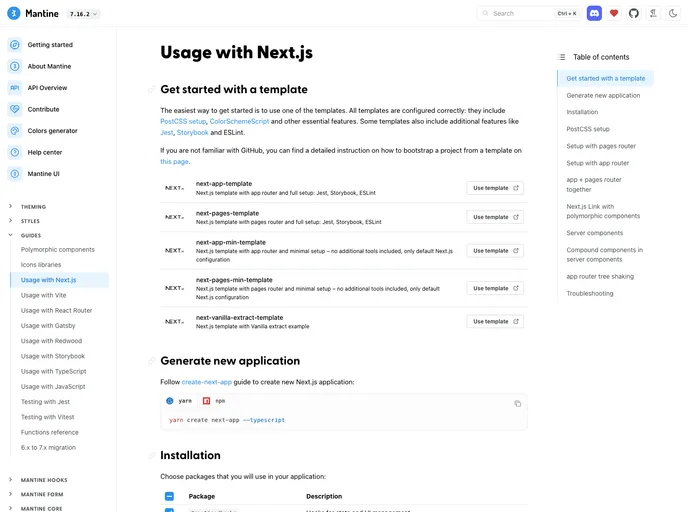
Overview:
The Mantine Next Template is a versatile and customizable theme that provides users with a starting point for building websites or applications. By clicking the “Use this template” button, users can easily begin their project with this template.
Features:
- Versatile and Customizable: The Mantine Next Template can be easily adjusted and tailored to fit the specific needs of each individual project.
- Responsive Design: The theme is built with a responsive design, ensuring that the website or application looks great and functions well on all devices and screen sizes.
- Modular Components: The template includes a range of modular components that can be easily reused and customized, speeding up the development process.
Installation:
To install the Mantine Next Template, follow these steps:
- Click on the “Use this template” button at the top of the page.
- Choose a name for your repository and click “Create repository from template”.
- Clone the repository to your local machine using the following command:
git clone https://github.com/username/repository.git
- Install the necessary dependencies by running the following command in your terminal:
- Start the development server by running the following command:
- Open your browser and navigate to http://localhost:3000 to view the template.
Summary:
The Mantine Next template is a versatile and customizable theme that provides users with a starting point for building websites or applications. With its responsive design and modular components, it allows for easy customization and development. By following the installation guide, users can quickly set up the template and start working on their projects.