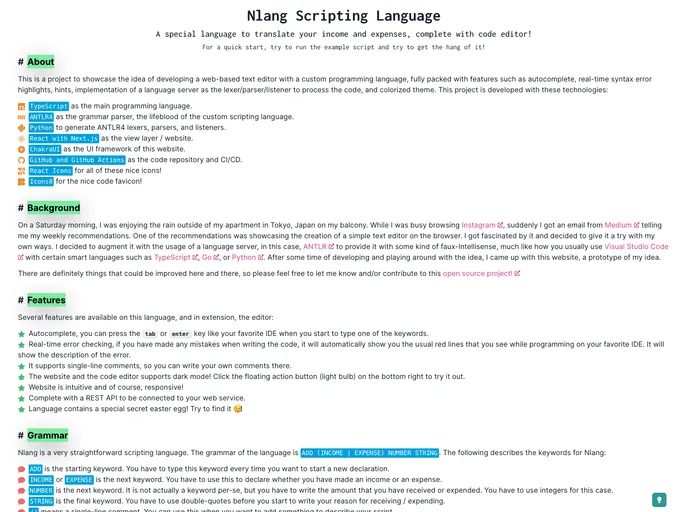
Prototype of the Nlang Scripting Language with Intellisense Code Editor
The Nlang Scripting Language is a prototype that offers an intellisense code editor, autocomplete, real-time error checking, and a real language parser. The project provides comprehensive documentation on its website, covering everything from the background and features of the language to instructions on using the grammar and the API. The application requires Node.js 18+ and Yarn Classic to run, with additional software packages needed for experimenting with the language and recompiling it.
To run the Nlang application, you need to have the following software packages installed:
For experimenting with and recompiling the grammar, you also need:
To install and run the application, follow these steps:
yarn install.yarn start.yarn build to build and start the application.yarn clean to clean build artifacts, yarn test to run integration tests, and yarn quality-check to ensure code standards are met.For experimenting with the language, follow these steps:
nlang/lang/nlang.g4 using the ANTLR Lab.The Nlang Scripting Language features an intuitive code editor with various helpful functionalities such as autocompletion and real-time error checking. It also provides a real language parser and comprehensive documentation on its website. The installation process involves cloning the repository, installing required software packages, and running the application in either development or production mode. Additionally, developers can experiment with the language by following specific steps outlined in the documentation. The application is licensed under the MIT License.

