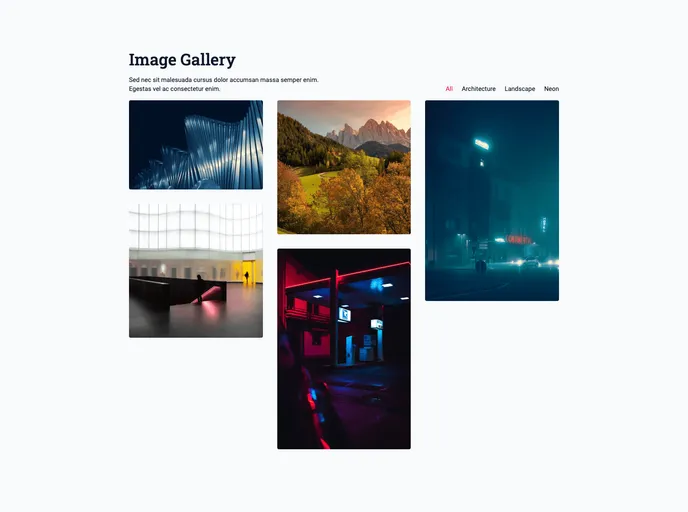
nextjs 13 masonry image gallery with sanity cms
The Image Gallery is a fully responsive application built using Nextjs. It features both dark and light modes and provides a seamless user experience. The application incorporates several technologies such as Sanity for content management, Tailwindcss for building the UI, Next Theme for dark and light modes, Clsx for constructing className strings conditionally, Prettier for code formatting, and Vercel for hosting.
To install and run the Image Gallery locally, follow these steps:
The Image Gallery is a feature-rich application that provides a responsive user experience with options for both dark and light modes. It leverages modern technologies such as Nextjs, Sanity, Tailwindcss, and Clsx to offer content management capabilities, an aesthetically pleasing UI, and conditional rendering. The project can be easily installed and run locally by following the provided installation guide.

