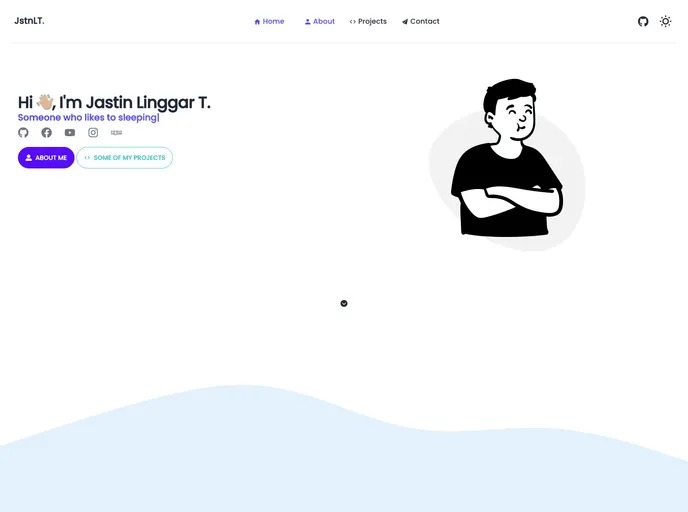
a nextjs portfolio website
This is a Next.js project that has been bootstrapped with create-next-app. It provides a development server that can be accessed on http://localhost:3000 to view and edit pages. The project also includes API routes that can be accessed on http://localhost:3000/api/hello. There are additional resources available to learn more about Next.js, including the Next.js documentation, an interactive tutorial, and the Next.js GitHub repository. The app can be easily deployed using the Vercel Platform.
To install and run the Next.js project, follow these steps:
npm install
npm run dev
The Next.js project provides a development server and API routes for creating web applications. It offers features such as automatic updating of pages as files are edited, and the ability to handle API requests. The project also includes extensive documentation and a tutorial for learning how to use Next.js. With the Vercel Platform, deployment of the app is made simple.

