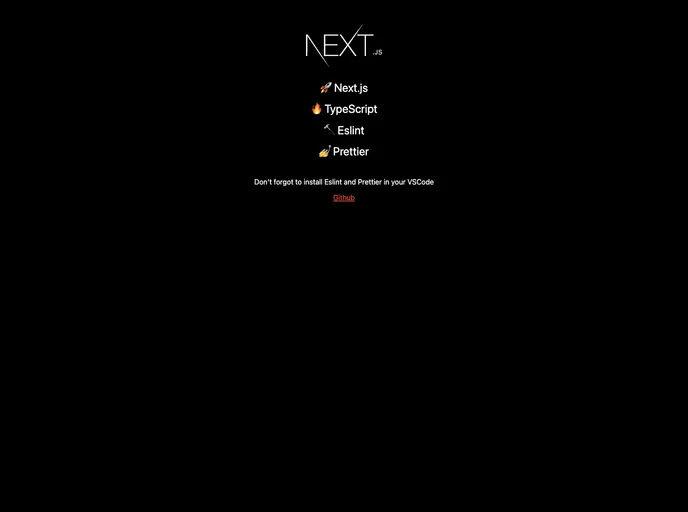
Create a new project with Next.js, TypeScript, Eslint, Prettier in just 1 second and you don't need to setup anything.
This product aims to simplify the process of creating a new project with Next.js, TypeScript, Eslint, and Prettier by automating the setup process. With just one command, users can have a new project set up and ready to go in seconds, without the need for any manual configuration. The product also provides additional features such as Alias Import, Hook Warning, and Prettier Warning to enhance development efficiency.
To install this theme and set up a new project, follow these steps:
Clone the template repository.
git clone <repository-url>
Install the necessary packages.
npm install
Start the project.
npm run start
Note: If you are using git, remember to delete the existing .git folder after cloning the template.
This product provides a simple and efficient way to create a new project with Next.js, TypeScript, Eslint, and Prettier, automating the setup process and offering additional features to enhance development. With just one command, users can have a fully configured project ready to go, saving time and effort in manual setup.

