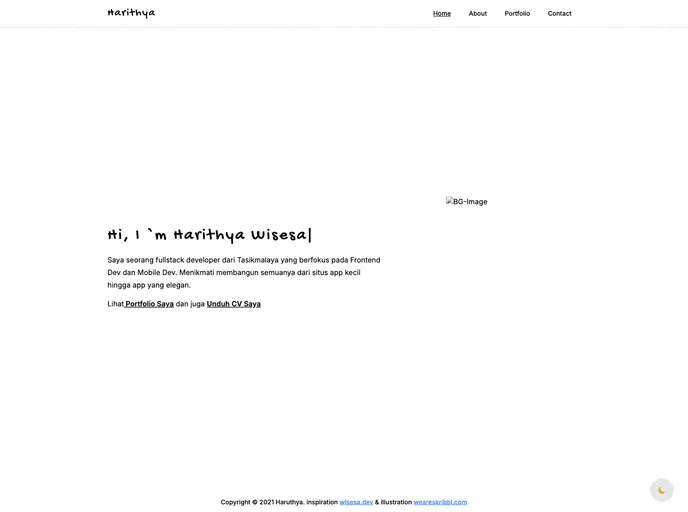
Website portofolio menggunakan next js dan tailwind , terinspirasi dari wisesa.dev
This article provides a guide on how to get started with Next.js, a popular web development framework. It explains the steps to run the development server, modify pages, access API routes, and provides additional resources for learning more about Next.js and deploying the app.
To get started with Next.js, follow these steps:
npm run dev
Open http://localhost:3000 in your browser to see the result.
Start editing the page by modifying the pages/index.js file. The page will automatically update as you make changes.
Access API routes on http://localhost:3000/api/hello. Modify the endpoint by editing the pages/api/hello.js file.
The files in the pages/api directory are treated as API routes instead of React pages.
For more detailed information and resources, refer to the Next.js documentation, learn Next.js tutorial, and explore the Next.js GitHub repository. If you want to deploy your Next.js app, check out the Vercel deployment documentation for instructions.
This article provides a comprehensive guide on getting started with Next.js, a popular web development framework. It explains the steps to run the development server, modify pages and API routes, and provides additional resources for learning more about Next.js and deploying the app using Vercel. Overall, it is a useful resource for developers looking to start building with Next.js.

