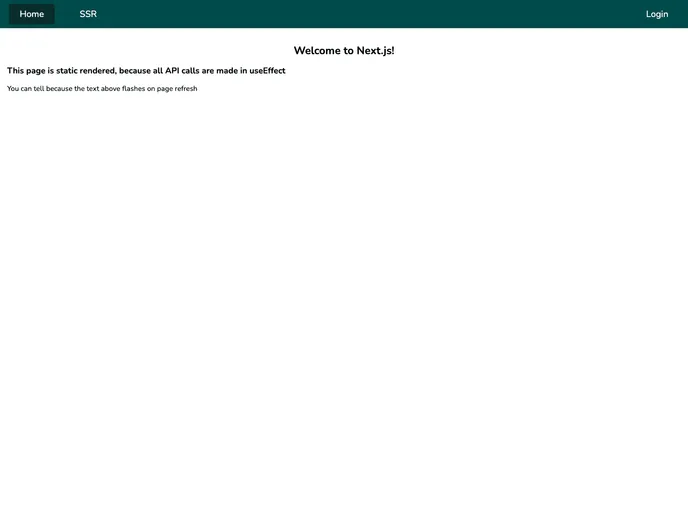
A template repository for creating Next projects with MongoDB
This article provides an analysis of a Next.js starter stack utilizing React.js, Next.js, MongoDB, iron-session, eslint, prettier, and yarn. The stack is designed for front-end development with server-side rendering and API routes. It offers features such as authentication session handling, code error identification and fixing, common code style configuration, and package management.
yarn secrets to sync development secrets from Bitwarden and save them to a local .env.local file.yarn secrets:login and then yarn secrets:sync instead..env.local and next.config.js files..env.local file to version control.To use MongoDB with the project, follow one of the following options:
Locally (Docker - RECOMMENDED):
docker run --name mongodb -d -p 27017:27017 mongo in your terminal.Locally (Non-Docker):
Remotely:
0.0.0.0/0 (all IPs)..env.local file.nextjs database (or choose another name, but update it in .env.local).yarn.example.env to .env.local and fill it out with the development configuration.Development:
yarn to install dependencies.yarn dev to start the development server.Production:
yarn install to install dependencies.yarn start to start the production server.This analysis outlines a Next.js starter stack with React.js, Next.js for server-side rendering, MongoDB for data storage, iron-session for authentication session handling, eslint for code error identification, prettier for code formatting, and yarn for package management. The installation guide provides detailed instructions for setting up the theme, configuring environment variables, and running the application in development and production environments.

