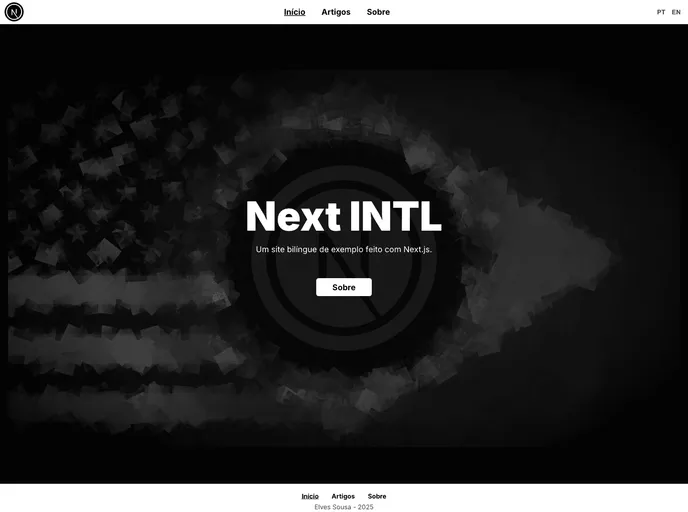
Simple multilingual site made with Next.js
This article provides a demonstration of creating a bilingual website using Next.js. It is accompanied by a tutorial on the author’s blog. Additionally, the author encourages readers to view the source code, fork the project, and use it in their own projects.
To install the theme, follow the steps below:
git checkout -b my-feature.git commit -m 'feat: My new feature'.git push origin my-feature.This article provides a walkthrough on creating a bilingual website using Next.js. It offers a tutorial, source code availability, and encourages readers to contribute to the project. The installation process involves forking the repository, creating a new branch, making modifications, and pushing changes.

