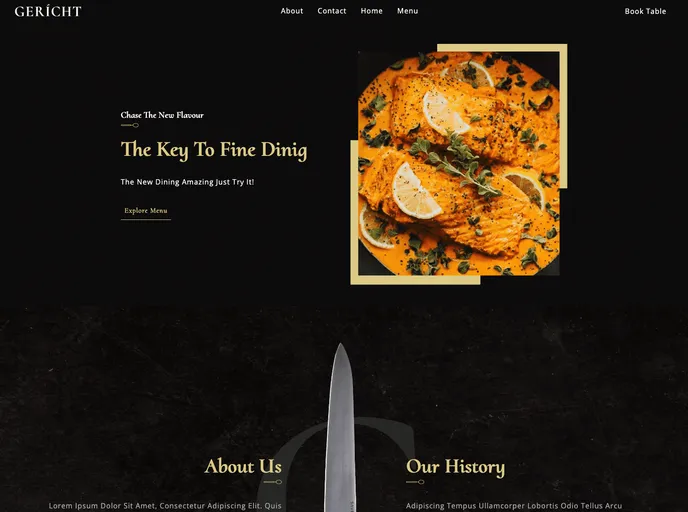
A restaurant website template built with Next.js and Cosmic
This product analysis is for a restaurant website built using Next.js and Cosmic. Next.js is a React framework that allows users to easily create full-stack applications. Cosmic is a Headless CMS that allows for the independent management of template content. The website also utilizes Sass, a CSS extension language.
npm install
npm run dev
pages/index.js file. The page will automatically update as you make changes.This product analysis discussed a restaurant website built using Next.js and Cosmic. It highlighted the key features of the website, including Next.js, Cosmic, and Sass. The installation guide provided instructions on how to set up the project and start the development server. Overall, this product offers a convenient solution for building a restaurant website using popular technologies.

